To-do widgets for your Mac desktop.
Since macOS Sonoma, widgets can live right on your desktop. MacTodo comes with twelve of them, so your day stays in sight without opening a single window.
Version 1.0.0macOS 14 Sonoma or laterApple silicon & IntelHow to install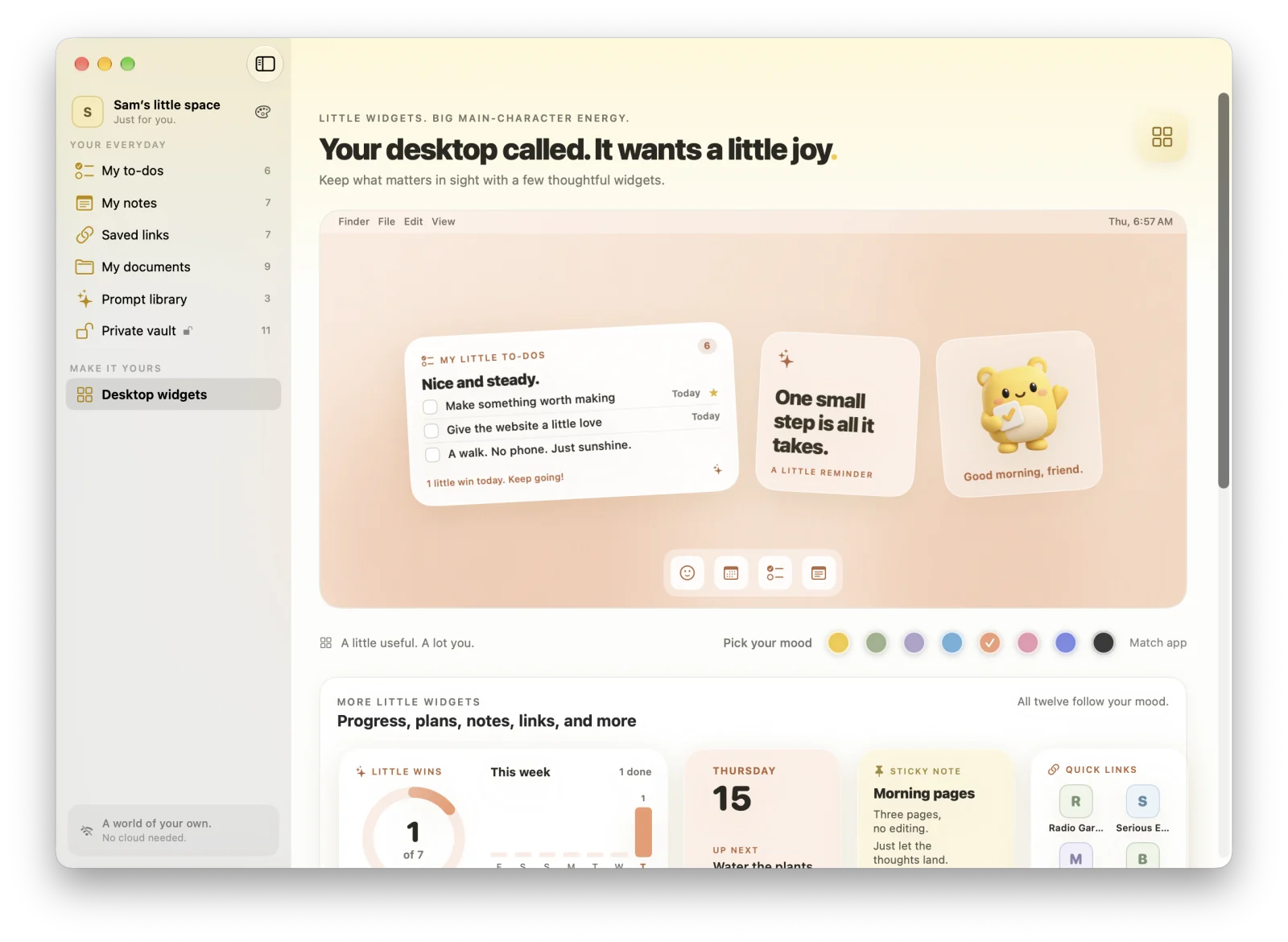
Highlights
- Check off to-dos right on the widget
- Small, medium, and large sizes
- Eight color moods, or match the app theme
- A tap opens the right spot in the app
Check off to-dos right on the widget
My little to-dos comes in small, medium, and large. Tick a checkbox and the to-do is done, and the app updates instantly. Medium and large show due dates, and large adds a bar for today’s progress.
Stay motivated
Little wins shows today’s progress ring and your week. Streak & activity counts the days in a row you’ve finished something, with a heatmap of recent weeks. Day progress shows how much of today, this week, this month, and this year has passed.
See what’s coming
Up next lists your next dated to-dos. Countdown shows a live timer when a reminder is less than a day away. Month at a glance puts a dot on every day with an open to-do, in red when it’s overdue.
Notes, links, and files on your desktop
Sticky note shows a pinned note, Quick links opens your pinned links in one click, and Documents lists your favorite and recent files.
Eight moods
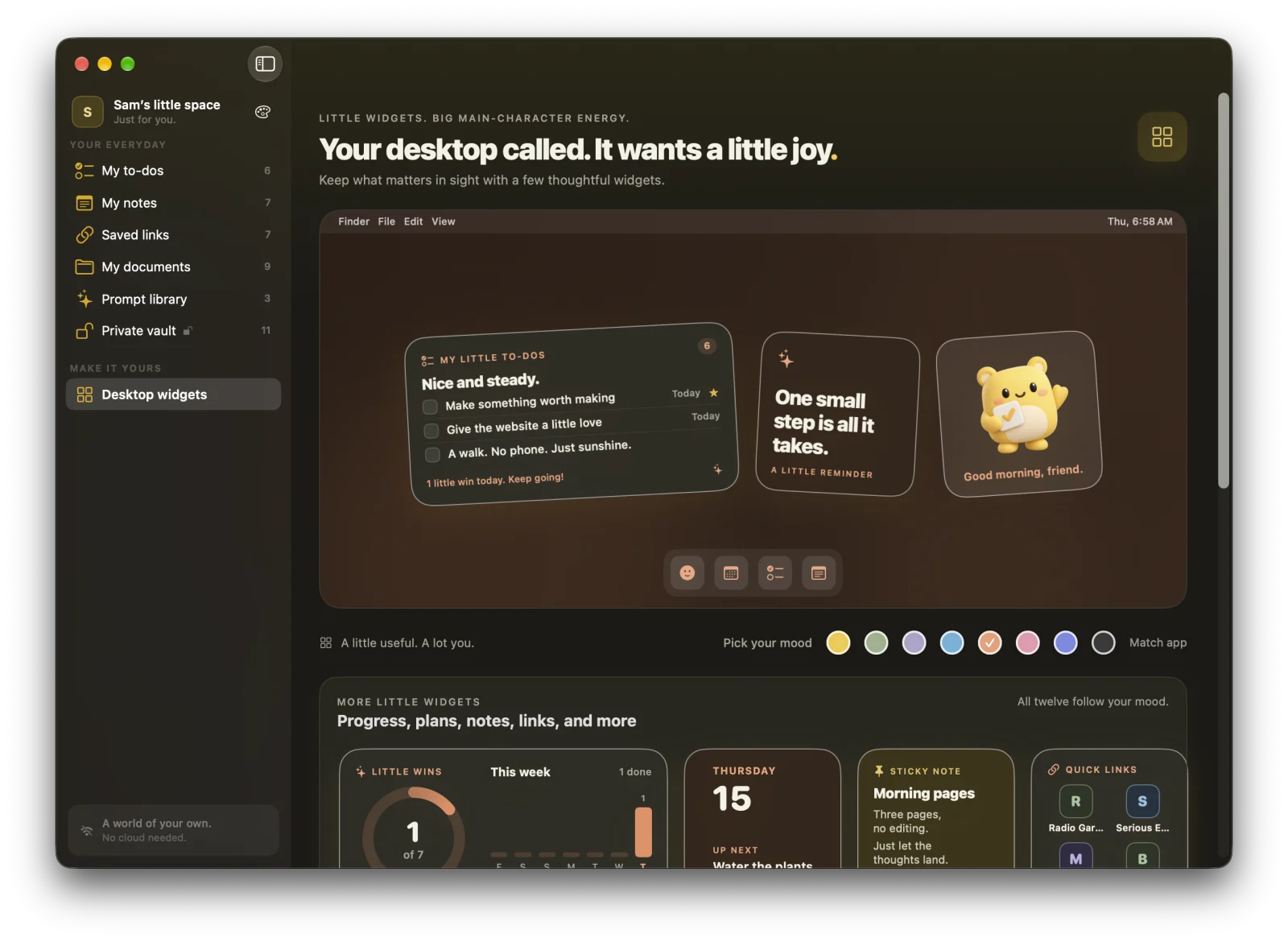
Pick one of eight color moods for all widgets, match the app theme, or give each widget its own with Edit Widget. You can even write your own phrases for A little reminder.
How do I add MacTodo widgets to my Mac desktop?
Control-click the desktop and choose Edit Widgets, search for MacTodo, then drag a widget onto the desktop. Desktop widgets need macOS 14 Sonoma or later, which MacTodo needs anyway.
Can I check off to-dos from a Mac widget?
Yes. Tick a to-do on the My little to-dos widget and it’s marked done in the app right away.
A little more organized.
A whole lot more at home.
Make room for your ideas, your plans, and your next little win.
Download for MacVersion 1.0.0macOS 14 Sonoma or laterApple silicon & IntelHow to install